When it comes to wired vs wireless headphones, neither type wins outright — the right choice depends entirely on how you listen and where you use them. Both deliver excellent audio when matched to the right situation. If you're just starting your search, our buying guides are a great place to compare your options side by side.
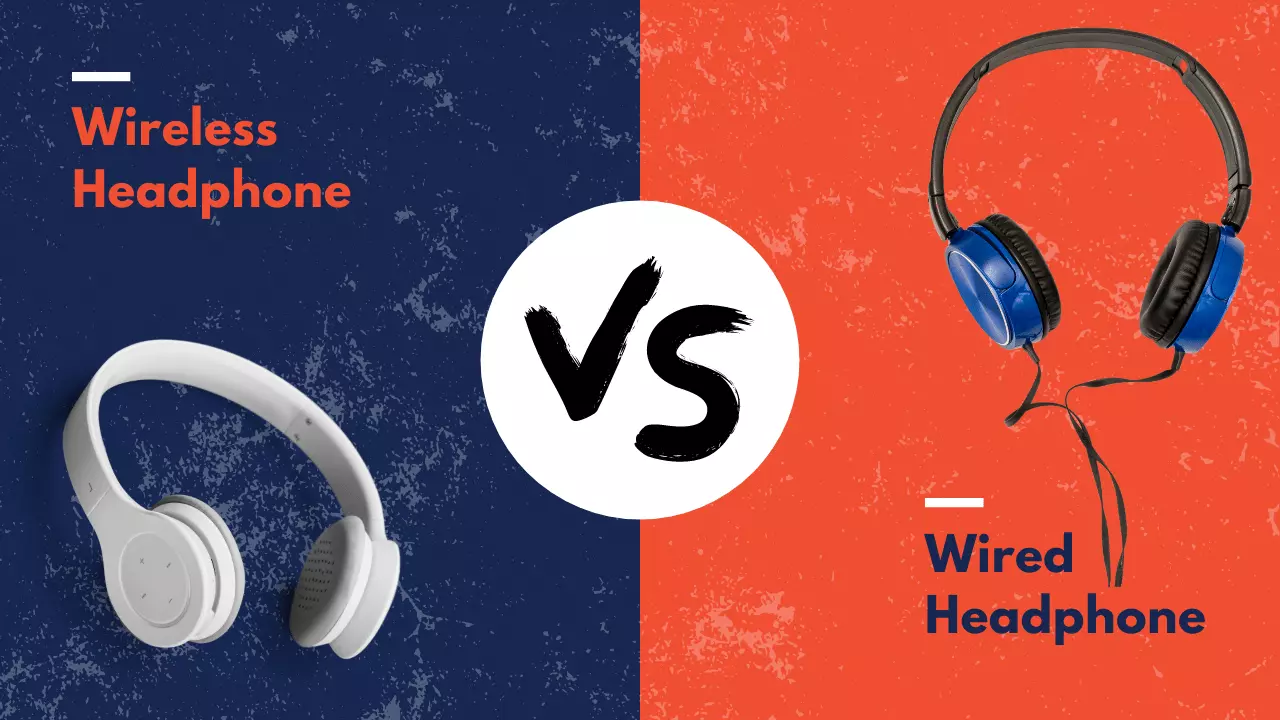
Wireless headphones have become the default for most buyers. Bluetooth (a short-range wireless protocol that lets devices communicate without cables) is now built into virtually every smartphone, tablet, and laptop. At the same time, wired headphones haven't gone anywhere — many audiophiles (people who prioritize high-fidelity sound above everything else) still swear by a direct cable connection.
Understanding the actual differences matters. Whether you commute daily, game at your desk, or just want music at the gym, the sections below break down what really counts. You might also want to read about how headphones affect your daily life — it puts both types into a broader, everyday context that's easy to relate to.
Contents
What People Get Wrong About Wired and Wireless Headphones
A lot of the debate around wired vs wireless headphones is fueled by myths and outdated assumptions. Before you buy anything, it's worth separating fact from noise. Some of the most common beliefs are simply no longer true — and acting on them could push you toward the wrong pair.
The "Wireless Always Sounds Worse" Myth
This one was true a decade ago. Early Bluetooth headphones compressed audio heavily, and the quality showed it. Today, that story has changed significantly.
- Modern audio codecs like aptX, LDAC, and AAC transmit audio at much higher quality than older Bluetooth 2.0 standards ever could.
- In controlled listening tests, most people — including careful listeners — cannot reliably tell the difference between a high-quality Bluetooth stream and a wired connection.
- Where wired still leads: extremely high-end, audiophile-grade setups where signal purity is critical. For casual and even enthusiast listening, the gap is narrow.
- If your source device supports LDAC or aptX HD, your wireless headphones can get surprisingly close to lossless audio quality.
The bottom line: unless you're routing audio through a dedicated headphone amplifier (an external device that boosts signal quality and drives high-impedance headphones) in a serious listening room, wireless audio quality is more than enough for everyday use — and for most people, it's excellent.
The "Wired Headphones Last Longer" Myth
The assumption here is that fewer moving parts means fewer failures. That logic sounds reasonable, but it skips over wired headphones' single biggest weakness.
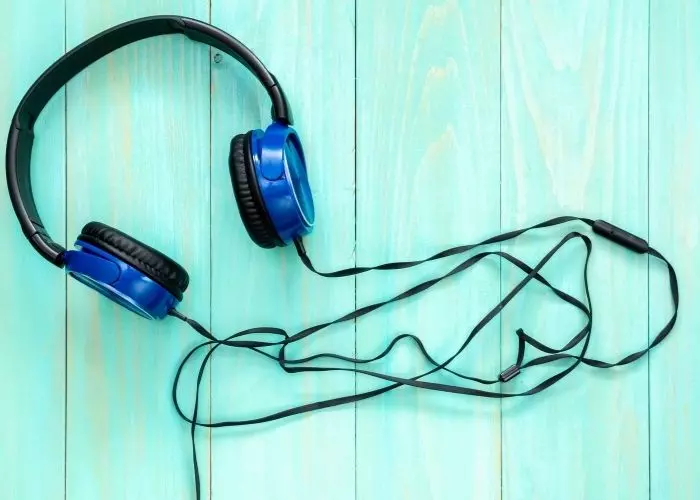
- Wired headphones most often fail at the cable connection point — specifically near the 3.5mm jack or where the cable meets the ear cup. This is a notorious weak spot, and it's hard to avoid with heavy daily use.
- Wireless headphones do carry battery degradation risk. Over time, rechargeable lithium batteries lose capacity. But many premium models are designed for thousands of charge cycles, and some brands offer battery replacement services.
- Build quality and materials matter far more than whether there's a cable. A well-constructed wireless headphone will outlast a cheaply built wired one every single time.
Don't assume wired means durable. The brand and build quality you choose will have a much bigger impact on longevity than the connection type.
Wired vs Wireless Headphones: A Side-by-Side Look
Now for the direct comparison. Here's how both types stack up across the factors most listeners actually care about day to day.
Sound and Audio Quality
For the majority of listeners, both types sound great. Here's where the real differences surface:
- Wired headphones have zero latency (no delay between your audio source and your ears) and no compression. This makes them the first choice for professional studio recording, audio mixing, and serious audiophile sessions.
- Wireless headphones introduce a small amount of latency and depend on codec quality. For watching videos, casual music listening, and even competitive gaming with low-latency modes, this difference is barely noticeable.
- The codec your device and headphones share matters. SBC is the lowest common denominator — if you can enable AAC, aptX, or LDAC, do it. The improvement is real.
- At premium price points, some wireless headphones rival or exceed the sound quality of wired alternatives in the same range, simply because the drivers and tuning are better.
Convenience and Daily Use
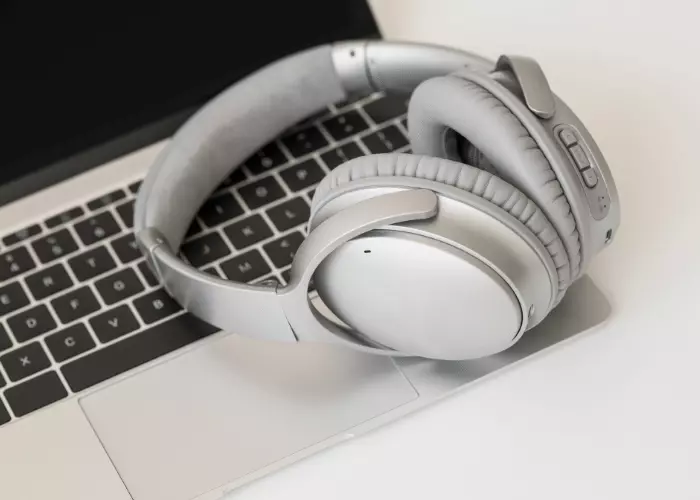
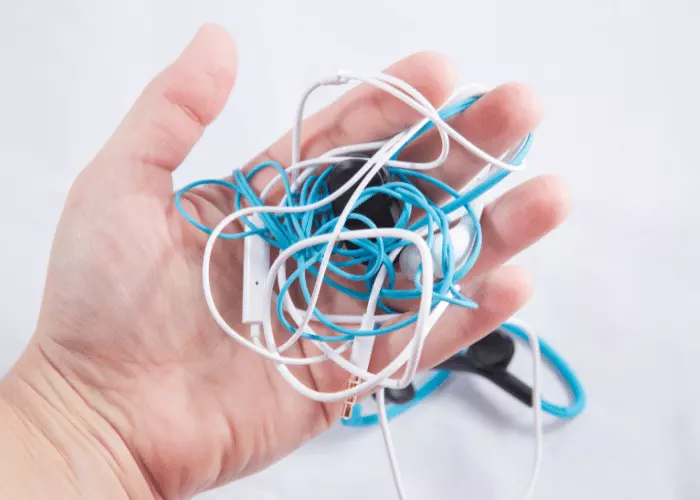
This is where wireless headphones pull ahead for most people. No cable means no tangles, no accidental yanks, and no being tethered to your desk.
| Feature | Wired Headphones | Wireless Headphones |
|---|---|---|
| Sound latency | None | Low to moderate (codec-dependent) |
| Audio compression | None | Yes — varies by codec |
| Battery required | No | Yes — typically 20–40 hours per charge |
| Freedom of movement | Limited by cable length | Full — up to 30+ feet range |
| Device compatibility | Universal via 3.5mm or USB | Bluetooth — works with most modern devices |
| Setup | Plug in and play instantly | One-time pairing per device |
| Price range | $10 to $3,000+ | $20 to $500+ |
| Best suited for | Studio, competitive gaming, audiophile | Commuting, gym, travel, remote work |
Wireless wins on freedom and portability. Wired wins on precision and reliability. Most people live somewhere in the middle — and that's exactly why understanding your own habits matters so much. The complete headphone buying guide walks you through every major spec and feature to help you match your choice to your actual use case.
Mistakes Most People Make When Choosing Headphones
Choosing between wired vs wireless headphones gets easier once you know the traps to avoid. These are the mistakes that lead to returns, buyer's remorse, and purchases that don't actually fit your life.
Picking the Wrong Type for Your Lifestyle
The biggest mistake is buying based on what's trending rather than what fits your day. Here's a quick way to think it through:
- You commute, work out, or travel regularly — Wireless is almost always the smarter call. Freedom of movement and not managing a cable makes the whole experience easier.
- You sit at a desk, mix audio, or game competitively — Wired removes variables. No battery anxiety, no latency spikes, no random Bluetooth dropout mid-session.
- You use older hardware without Bluetooth — Wired is your only real option without adding adapters and dongles to the mix.
- You want the simplest experience possible — Plug in, press play. Wired headphones require zero setup, zero charging, and no firmware updates.
- You lose or damage gear often — Wired headphones are generally cheaper to replace, and many come with removable cables you can swap out individually.
There's nothing wrong with owning both. A wired pair at your desk and a wireless pair for on the go covers nearly every listening scenario you'll run into.
Ignoring Compatibility and Connections
Compatibility issues surprise a lot of buyers. Check these before you commit:
- No headphone jack on your phone? Many current smartphones have dropped the 3.5mm port entirely. If you want wired, you'll need a USB-C or Lightning adapter — or native USB-C headphones.
- Wireless headphones paired to a gaming console may not support the same Bluetooth codecs as your mobile device. Codec mismatch defaults you to SBC, the lowest quality option.
- High-impedance (high-resistance) wired headphones — anything above 80 ohms (a measure of electrical resistance) — often need an external DAC/amp (digital-to-analog converter and amplifier combo) to perform as intended. Plugged straight into a phone, they can sound flat and underpowered.
- If you game or edit video, check whether your wireless headphones have a dedicated low-latency mode. Generic Bluetooth without this feature can introduce noticeable audio delay that becomes distracting quickly.
How to Get the Most From Your Headphones
Whichever type you choose, a few smart habits will improve your experience from day one. These are small adjustments — none of them require spending more money.
Getting the Best From Wired Headphones
Wired headphones are straightforward, but there's still room to optimize:
- If your headphones are 80 ohms or higher, invest in a small DAC/amp. Even an entry-level one dramatically improves dynamics and volume control compared to a phone's built-in output.
- Never wrap your cable tightly around your headphones for storage. It stresses the internal wire strands and leads to early failure — usually right at the most inconvenient point.
- If your cable is detachable (a feature on many mid-range and premium models), explore aftermarket cable options. A better cable can reduce microphonics (the rustling noise you hear as the cable moves against your clothing).
- Use your device's EQ settings. Even a gentle bass or treble adjustment can significantly improve how a wired pair sounds on your specific device. Start small — a 2–3 dB shift is often all you need.
Getting the Best From Wireless Headphones
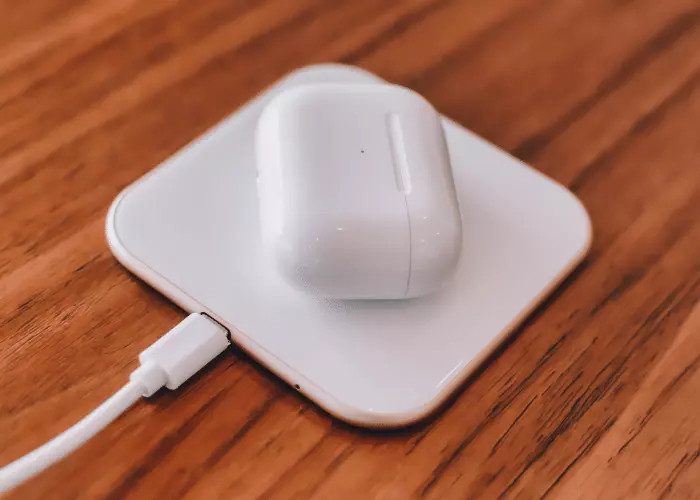
Wireless headphones need a little more active management to stay performing at their best:
- Manually select your codec in your phone's developer settings or audio settings. Switching from SBC to LDAC or aptX HD can be a noticeable jump in audio clarity — don't leave it on auto if you care about sound quality.
- When audio quality matters most, connect to one device only. Multi-point pairing (simultaneous connection to two devices) reduces the Bluetooth bandwidth available for audio streaming.
- Try to keep your charge level between 20% and 80% for day-to-day use. Regularly running the battery completely flat accelerates capacity loss over time.
- Stay within a clear line of sight to your source device when possible. Walls, microwaves, and crowded Wi-Fi environments can all introduce interference that degrades your audio before it fully drops the connection.
- Check for firmware updates every few months. Manufacturers regularly release updates that fix bugs, improve battery management, and sometimes even adjust the sound signature.
Keeping Your Headphones in Great Shape
Good care habits extend the life of any headphone regardless of type. The specifics differ a little depending on which kind you own.
Caring for Wired Headphones
Your cable is your biggest vulnerability. Protect it consistently and your wired headphones can last many years:
- Store them in a pouch or case rather than loose in a backpack. Cables coil and snag on other objects, and the constant movement wears down the insulation over time.
- When unplugging, always grip the plug body — never pull by the cable. This is the single most common cause of internal wire damage, and it happens right at the jack where you can't see the fraying.
- Use a soft velcro wrap or a loose figure-eight loop to organize cables for storage. Tight wraps and sharp bends stress the inner conductors even if the outer jacket looks fine.
- Clean the ear pads regularly with a lightly damp cloth. Sweat, skin oils, and dust break down foam and synthetic leather much faster than normal use alone would.
- Inspect both ends of the cable monthly for stiffness, kinks, or any visible fraying. Catching damage early means you might be able to replace just the cable rather than the whole headphone.
Caring for Wireless Headphones
Battery health and physical protection are the two things to stay on top of with wireless headphones:
- Use the original charging cable or a certified replacement. Third-party cables with incorrect voltage ratings can damage the charging circuit gradually without any immediate warning signs.
- Unplug once fully charged. Leaving wireless headphones on the charger overnight repeatedly accelerates lithium-ion battery wear faster than normal use would.
- Store in the included case when not in use. Wireless headphones often have hinged or foldable designs with more mechanical joints that benefit from physical protection during transport.
- If the battery life has dropped significantly after extended ownership, check whether your brand offers a battery replacement program. Many major manufacturers do — it's cheaper than buying a new pair.
- Keep the charging port clean. A small amount of lint or debris in a USB-C port can cause intermittent charging issues. A dry toothpick or can of compressed air fixes most cases.
Final Thoughts
Both wired and wireless headphones are excellent options — the one that's right for you comes down to your daily habits, your devices, and what you actually value in a listening experience. Take a few minutes to think through your main use cases, then head over to our buying guides to find specific models that match your needs and budget. The best headphone is always the one that fits your life, not just the specs sheet.


About Scarlett Martin
Scarlett Martin is an MSc Degree holder in Digital Audio Engineering. She has worked for well-reputed audio giants. In addition, she has been an audiophile all her life, making her a valuable addition to our staff. Her knowledge of headphones, audio, and other shoulder niches will help us and our audience.
Get FREE Headset Gifts now. Or latest free Music Guide from our best collections.
Disable Ad block to get all the secrets. Once done, hit any button below